KRIs & sources
A KRI is a numeric value with a threshold. A source is the thing that writes that value, on a schedule, on a push from an external job, or from an artifact you drop in. Together they are the backbone of every dashboard Draxis produces.
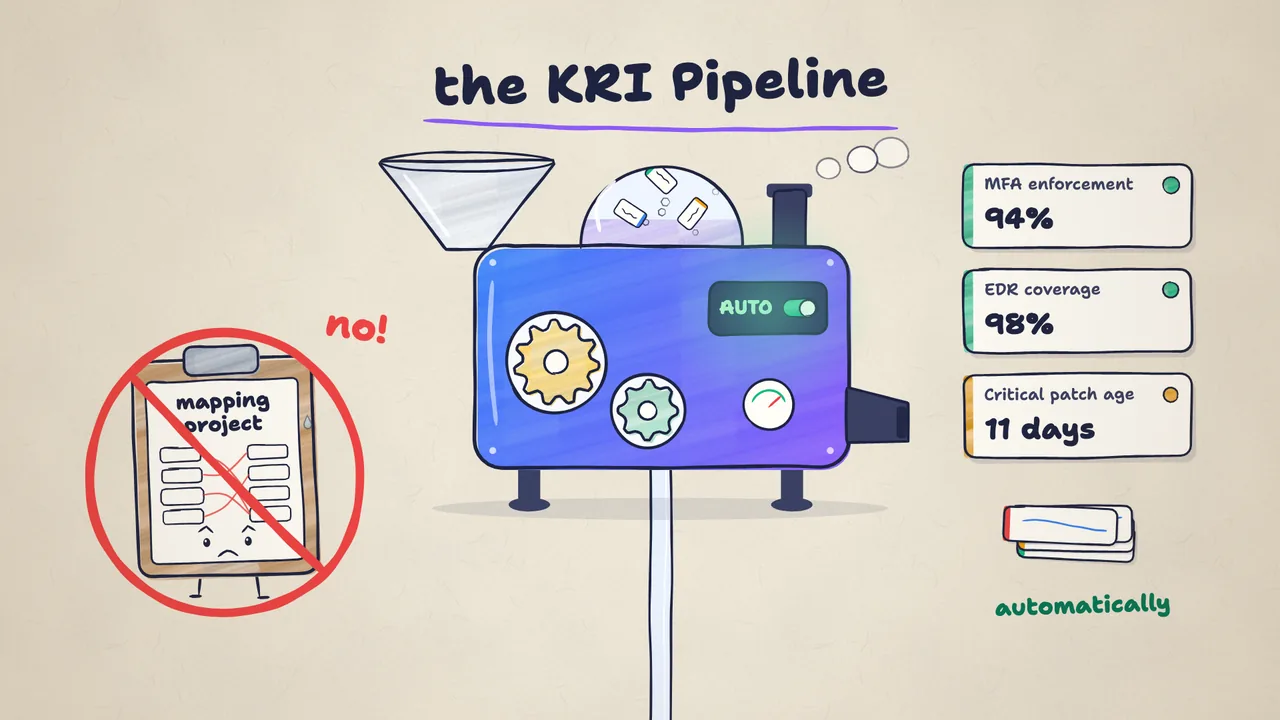
The KRI
A Key Risk Indicator has:
- A slug, the stable contract between connector and KRI (e.g.
critical_cves_unpatched_gt_30d). - A name and description for humans.
- A source, the
kri_sourcethat writes values. - Thresholds (
warn,critical) and a direction (higher-is-worse/lower-is-worse). - Links to one or more risks and a business outcome.
A KRI without links to risks and outcomes is valid but useless, it shows up on the dashboard but doesn’t roll up. The onboarding flow won’t let you finish until each KRI is wired.
The source
A kri_source is a per-tenant connection to an integration. It stores:
- Source type + vendor ID, the pair that resolves to a connector.
- API endpoint, the vendor URL (auto-filled for fixed-URL vendors).
- Auth type and encrypted credentials.
- Schedule,
daily(default),hourly, ormanual. - Extra config, non-secret JSON (e.g.
{"customer_id":"abc"}for Google Workspace).
How the runner writes values
- The scheduler wakes up and resolves every source whose next-run time has passed.
- For each source, the dispatcher looks up the connector by
vendor_idand callsrun(ctx). - The connector fetches data from the vendor, computes each KRI value, and runs
UPDATE kri SET value = ?, updated_at = ? WHERE source_id = ? AND id = ?. - If a KRI slug is missing, the row is counted as
rowsSkipped, it means the tenant hasn’t wired that KRI yet. Not an error. - The run row is written with
rowsWritten,rowsSkipped, and a summary of items fetched.
Rollups
Dashboards compute three levels of rollup:
- Per-KRI colour (green / amber / red) from its thresholds.
- Per-risk severity from the KRIs and controls linked to that risk.
- Per-outcome severity from the risks linked to the outcome.
See Platform overview for how KRIs, risks, controls, and outcomes relate.
Manual KRIs
Not every KRI needs an integration. For values that only a human knows (e.g. “has the quarterly board risk review happened?”), create the KRI without a source and edit its value by hand. The updated_at ages the same way as an automated value, so stale manual values show up in the Draxis staleness report.
AI Drop Zone
When a tool has no connector, the AI Drop Zone turns unstructured evidence into typed KRIs. Drag a PDF, paste a CSV, upload a log snapshot or screenshot, or POST to its webhook, and an AI extractor reads the artifact and proposes KRI values against the catalog allow-list. Pentest reports, vendor SOC 2s, audit notes, config exports, and screenshots all work.
Every extracted value cites the source span it came from, so you can trace a number back to the exact line of the report it was read from. High-confidence extractions auto-accept; the rest queue in the Inbox for an analyst to confirm. The Drop Zone is an AI proposal surface: values pass through the confidence-scored review pipeline rather than landing as ground truth. Full detail in the AI Drop Zone integration guide.
MCP server push
Any external scheduler or MCP-enabled AI client can push a KRI value straight into Draxis through the MCP server. This is the External Push path. Use it when you already have custom data-fetching logic, a Jira JQL counting tickets by age, a GitHub Actions build-failure rate, a Lambda that crunches a regional API, and you just want Draxis to record the resulting number. Unlike the Drop Zone, pushed values are ground truth: they bypass the AI proposal pipeline and write directly to the KRI.
An admin first provisions an external_push source from Settings → Integrations and mints a push token scoped to that one source. The scheduler then calls two source-scoped MCP tools:
create_external_push_kri, an idempotent create of a KRI under the source (name, measurement type, optional thresholds). Safe to call on every run.push_kri_value, records an observation. In one transaction it recomputes the KRI’s status from its thresholds, sets the value and timestamp, marks the source live in dashboard rollups, and writes an audit row. An optional ISO-8601timestampdoes real historical backfill, so you can seed a trend chart or catch up after an outage.
The push token is restricted to a single kri_source.id and to those two tools. It cannot read your risk register, vendors, or any other KRI. One credential per job, blast radius bounded to one source. Full detail in the External Push integration guide.
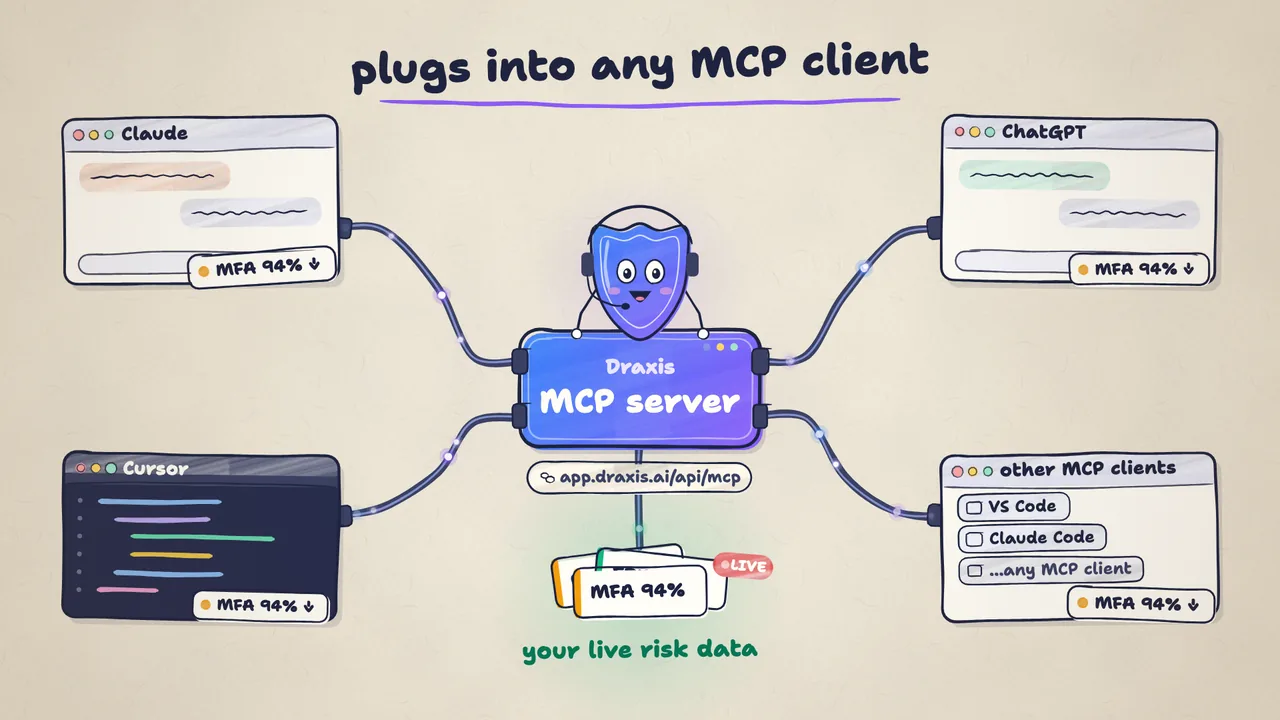
API
GET /api/kri-sources, list sources.PUT /api/kri-sources/<id>, create / update.POST /api/kri-sources/<id>/test, probe connectivity.POST /api/kri-sources/<id>/run, trigger a run now.GET /api/kri-sources/<id>/runs, run history.GET /api/kris,PUT /api/kris/<id>, KRI CRUD.POST /api/mcp(JSON-RPC), the MCP server endpoint that exposescreate_external_push_kriandpush_kri_valuefor external push, plussubmit_dropzone_artifactfor Drop Zone uploads.